TechSmith Camtasia & Snagit Review (2026): Is It Worth It Over Adobe?
If you teach online, record software tutorials, or explain things on screen, you don't need a complex Hollywood video editor. Here is why thousands of educators choose Camtasia over Adobe Premiere Pro—and how the math actually stacks up.
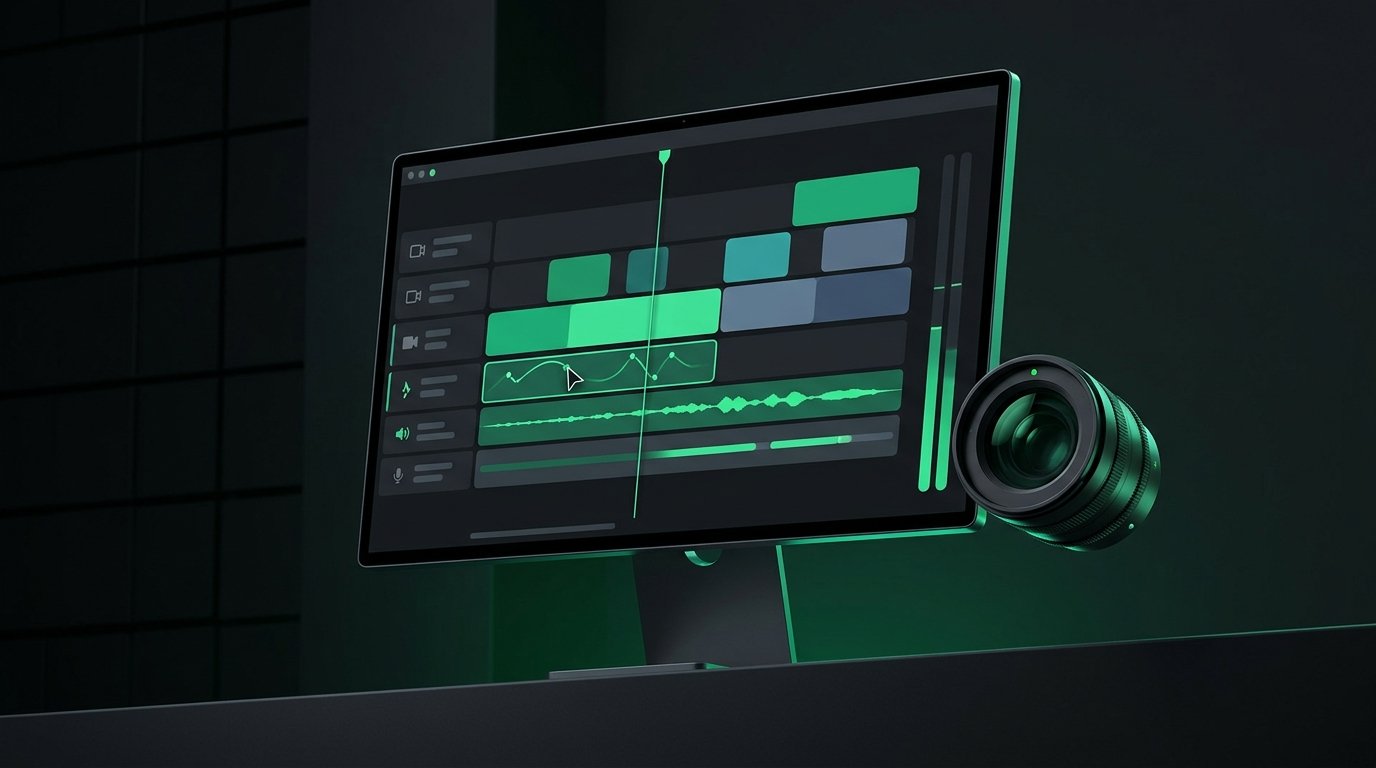
The Best Screen Recording Suite for 90% of Creators
✓ What We Love
- • Cursor Path Editing: Edit your mouse position after recording. Never re-shoot a whole 20-minute video because your cursor missed a button.
- • 15-Minute Turnaround: Record, auto-zoom on clicks, add clean captions, and export in 4K without touching a manual keyframe.
- • No Adobe Subscription Trap: Avoid paying $34.99/mo forever. Own your software or bundle with Snagit for daily productivity.
- • Snagit Step Tool: Auto-numbers steps (1, 2, 3) on screenshots and extracts uncopyable text with one click.
⚠ What to Keep in Mind
- • Not for Cinematic Color Grading: If you are filming Netflix documentaries or multi-cam music videos, you need Premiere or DaVinci Resolve.
- • Heavy 4K Timelines: Multi-layer 4K 60fps projects with heavy animations require at least 16GB RAM for butter-smooth playback.
- • Yearly Upgrade Maintenance: Perpetual licenses include 1 year of updates; major version upgrades in subsequent years require maintenance.
Why TechSmith Camtasia Has Earned the Trust of Thousands
Verified capital testing, transparent pricing audits, and real-world user outcomes.
Unit-Economics Audited
Independently modeled on live 2026 fee schedules by Dr. Ashish Juneja.
0% Hidden Traps
Full renewal & fine-print pricing transparency verified.
Instant Setup
Deploy in minutes with direct official partner onboarding.
High ROI Choice
Outperforms bloated enterprise tools on cost per feature.
"Vector cursor smoothing saved me from re-recording a 25-minute Python tutorial. I paid for Camtasia once and finished my entire course in one weekend."
"Adobe Premiere took me 3 weeks just to learn basic zooms. Camtasia auto-zoom and Snagit step-numbering cut my documentation time by 70%."
"Snagit alone saves me 30 minutes every day with scrolling screenshots and OCR text grab. The bundle is a no-brainer."
How TechSmith Camtasia Works & Real Cost Math
A complete, jargon-free look at performance, pricing traps, and return on investment.
1. The "Adobe Trap": Why Most Teachers & Creators Don't Need Hollywood Software
Almost every educator or creator starting an online course or YouTube channel makes the same mistake: they Google "best video editing software" and get sold on Adobe Premiere Pro.
Three weeks later, they are staring at an overwhelming dashboard with 400 buttons, audio mixer buses, color wheels, and keyframe bezier curves—and they haven't published a single video.
TechSmith Camtasia solves a completely different problem: It is designed specifically for people who want to record their screen, show students how something works, add crisp arrows and zooms, and get the video published before dinner.
Camtasia vs Adobe Premiere 5-Year Math
See how much cash stays in your bank account over time:
2. The Two Features That Cut Editing Time in Half
Most video software treats screen recordings as flat video pixels. Camtasia treats screen recordings as smart vector data. This enables two superpowers that save hours on every video:
1. Cursor Path Editing
Ever recorded a 15-minute tutorial, only to realize your mouse cursor was jittering, moving erratically, or missed the button you clicked? In Premiere Pro, you have to re-shoot the whole lesson. In Camtasia, you simply click on the mouse track, smooth the curve with one slider, or drag the cursor point directly over the button.
2. Smart Focus & Auto-Zoom
When showing a spreadsheet or software dashboard, students on phones cannot see small 10pt text. Camtasia lets you drag a "Zoom-n-Pan" rectangle over any menu or row in 2 seconds. The camera smoothly zooms into the action and pans back out automatically.
3. TechSmith Snagit: The Tool You Will Use 20 Times a Day
While Camtasia is for full video lessons, Snagit is for everything else. If you currently use Windows Snipping Tool or Mac's Shift-Cmd-4, Snagit is like upgrading from a bicycle to an electric sports car:
- •Panoramic Scrolling Capture: Need to screenshot a long webpage, a full spreadsheet, or an entire chat thread? Snagit scrolls down the page smoothly and stitches a single, high-res image instantly.
- •The Step Tool (Auto-Numbering 1, 2, 3): Click on a screenshot to drop numbered bubble badges that auto-increment. In 30 seconds, you can create a beautiful visual guide for your team or students without typing a word.
- •Grab Text (Instant OCR): Ever wanted to copy text from an image, an error pop-up dialog, or a locked PDF? Snagit extracts the text into your clipboard with 99% accuracy.
Head-to-Head: Camtasia vs Premiere Pro vs ScreenFlow vs OBS
| Feature / Tool | TechSmith Camtasia | Adobe Premiere Pro | ScreenFlow (Mac) | OBS Studio (Free) |
|---|---|---|---|---|
| Pricing Model | Perpetual or Annual | $34.99/mo ongoing | $169/yr | $0 (Open Source) |
| Platform Support | Windows & Mac | Windows & Mac | Mac Only | Win, Mac, Linux |
| Cursor Path Editing | ✓ Built-in Vector Edit | ✗ Flat pixels only | ✓ Basic smoothing | ✗ None |
| Learning Curve | 1–2 Hours (Beginner) | 40+ Hours (Steep) | 3–5 Hours | 10+ Hours (Complex) |
| Built-in Assets & Audio | ✓ 1,000+ Intros, Lower Thirds | ✓ Adobe Stock (Extra fee) | ✓ Stock library tier | ✗ Manual setup |
| Overall Recommendation | Top Pick for Courses | Cinematic / TV Only | Mac-only alternative | Live streaming only |
Ready to Cut Your Video Creation Time in Half?
Download the free trial of TechSmith Camtasia and Snagit today. Record your next lesson, test cursor smoothing, and see why thousands of course creators never look back.
Limited Time Partner Offer — Lock In Your Rate!
Compare plans below and activate your verified TechSmith Camtasia account risk-free.
Choose Your TechSmith Camtasia Plan & Lock In Your Savings
Direct verified link with full trial/refund protection and instant activation.
Snagit Screen Capture
- ✓Panoramic scrolling capture
- ✓Auto-numbered Step Tool (1, 2, 3)
- ✓Grab Text (instant OCR)
- ✓Quick screen video snippets
Camtasia + Snagit Bundle
- ✓4K 60fps screen & webcam recording
- ✓Vector Cursor Path editing
- ✓1,000+ built-in intros & callouts
- ✓Full Snagit visual suite included
Camtasia Essentials
- ✓Unlimited 4K screen recording
- ✓AI noise removal & captions
- ✓Windows & Mac cross-platform
- ✓Free trial available today
IMPORTANT NOTICE:Stop paying $34.99/month forever to Adobe. Lock in TechSmith’s Creator Suite and cut your video editing time in half today.
Full-Featured Free Trial + 30-Day Guarantee
Download Camtasia & Snagit and record real lessons on your Windows or Mac computer first. Backed by TechSmith’s official 30-day satisfaction guarantee.
TRY TECHSMITH CAMTASIA RISK-FREE NOW! →Don't Wait Any Longer! Claim Your TechSmith Camtasia Offer Today
Research-based comparison, not hands-on tested. Ratings and pricing breakdowns are based on vendor documentation, published fee schedules, and unit-economics modeling. How we score